How to Booking
- Home
- /
- How to Booking
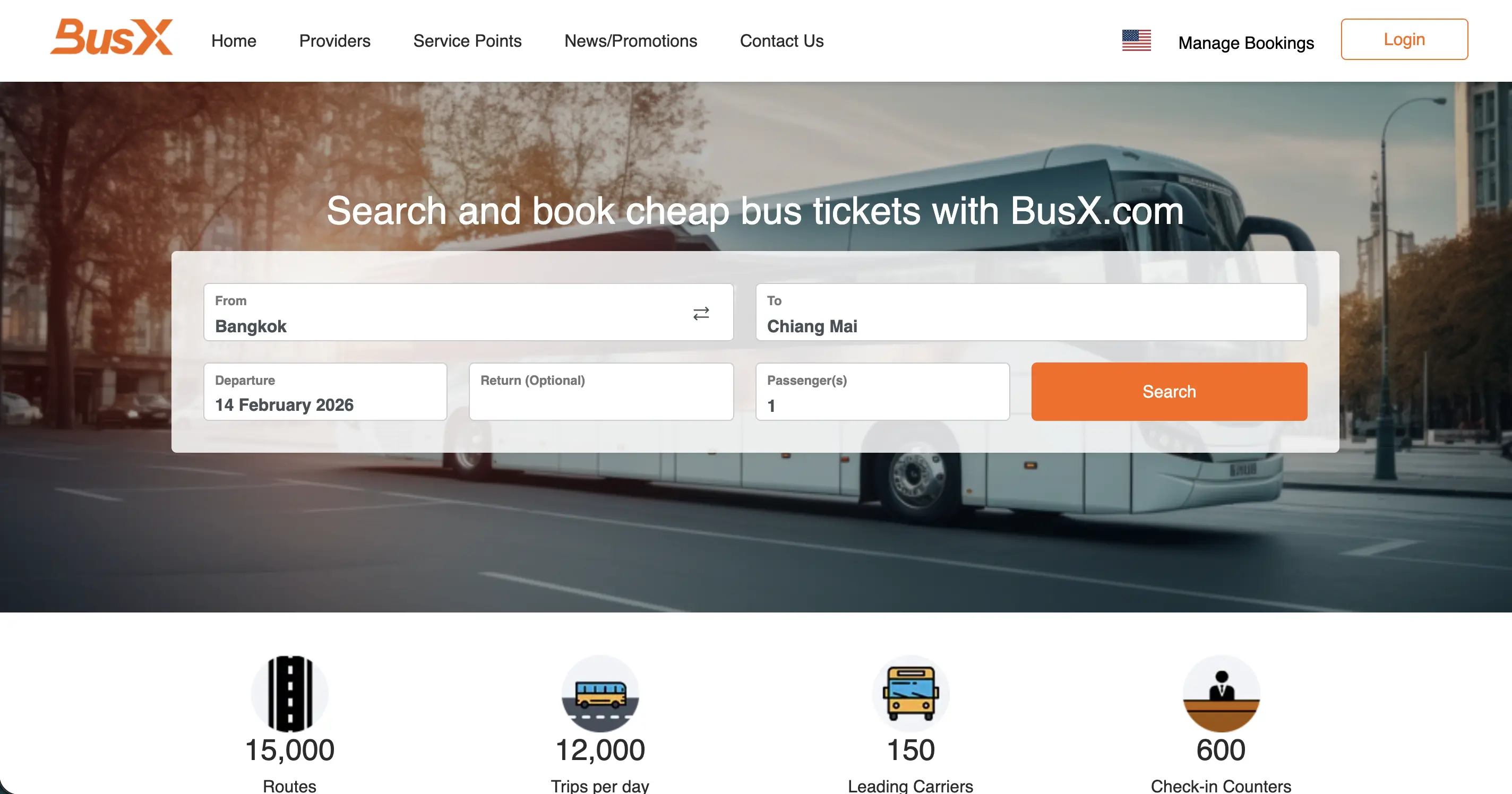
Step 1: Search for your desired destination and travel date
Select your departure and arrival locations, as well as your preferred travel date using our search system
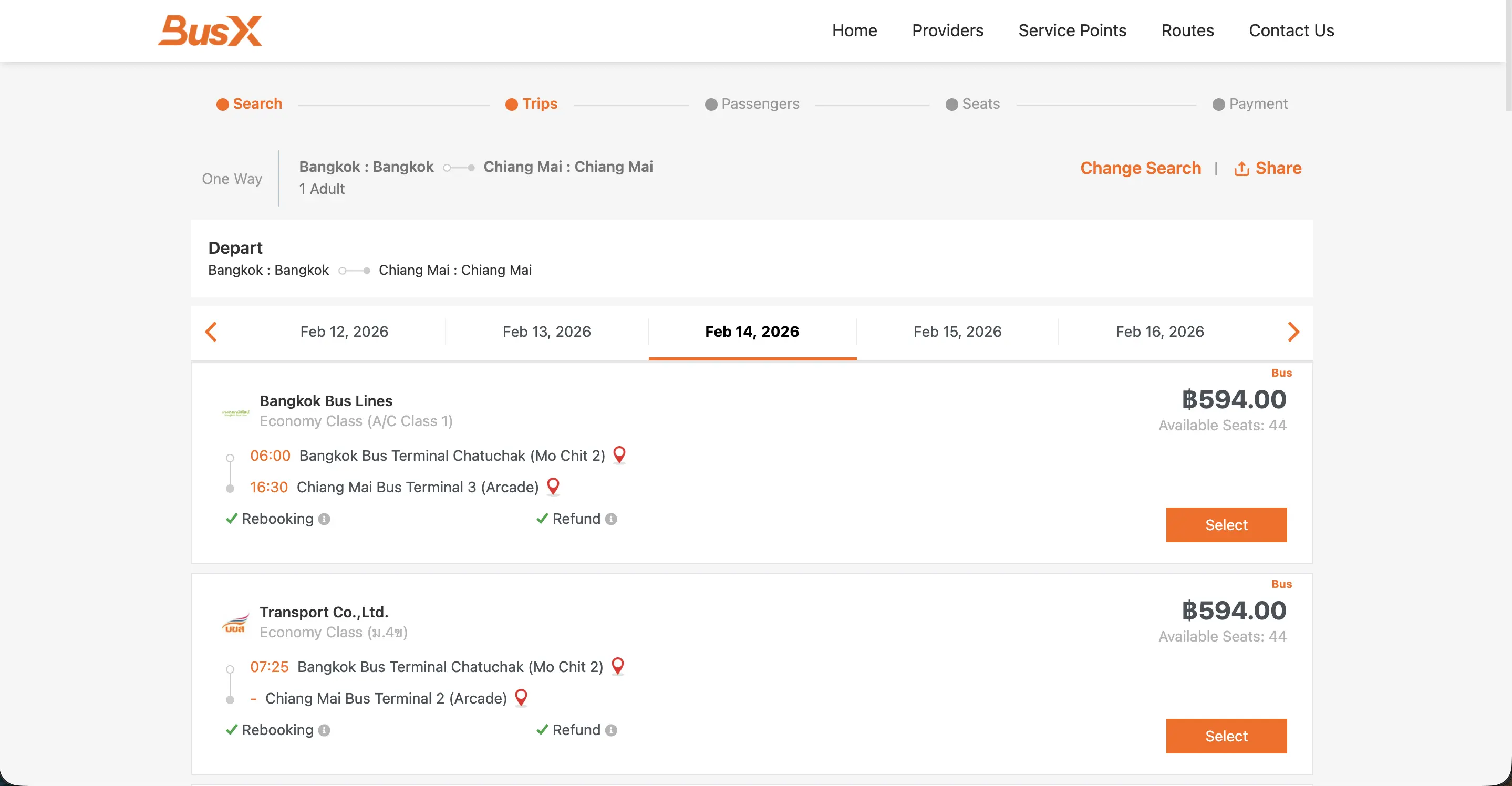
Step 2: Choose the time that suits you
Select the time that matches your needs from our wide range of options
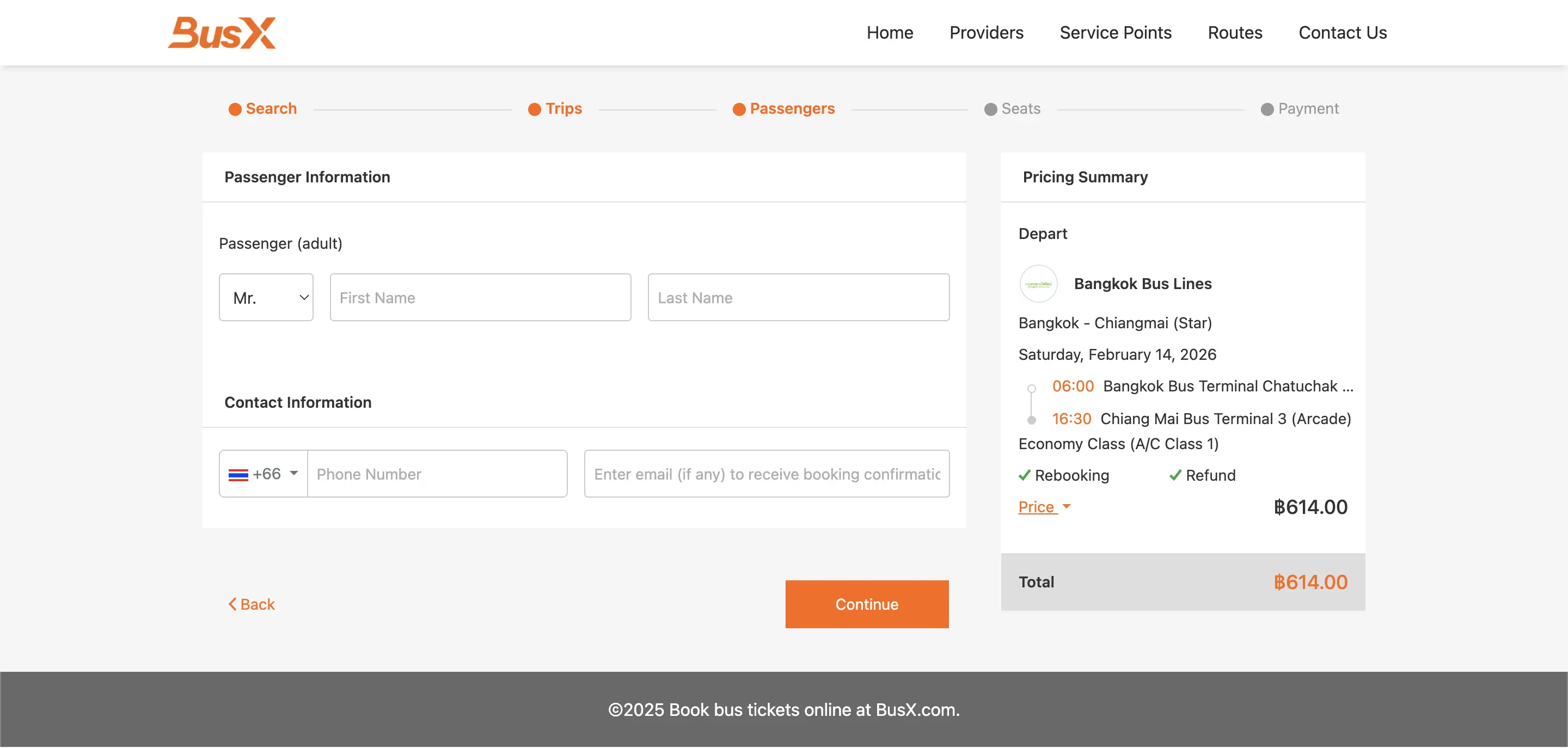
Step 3: Fill in passenger and contact information
Accurately fill in all necessary information for the passengers and your contact details
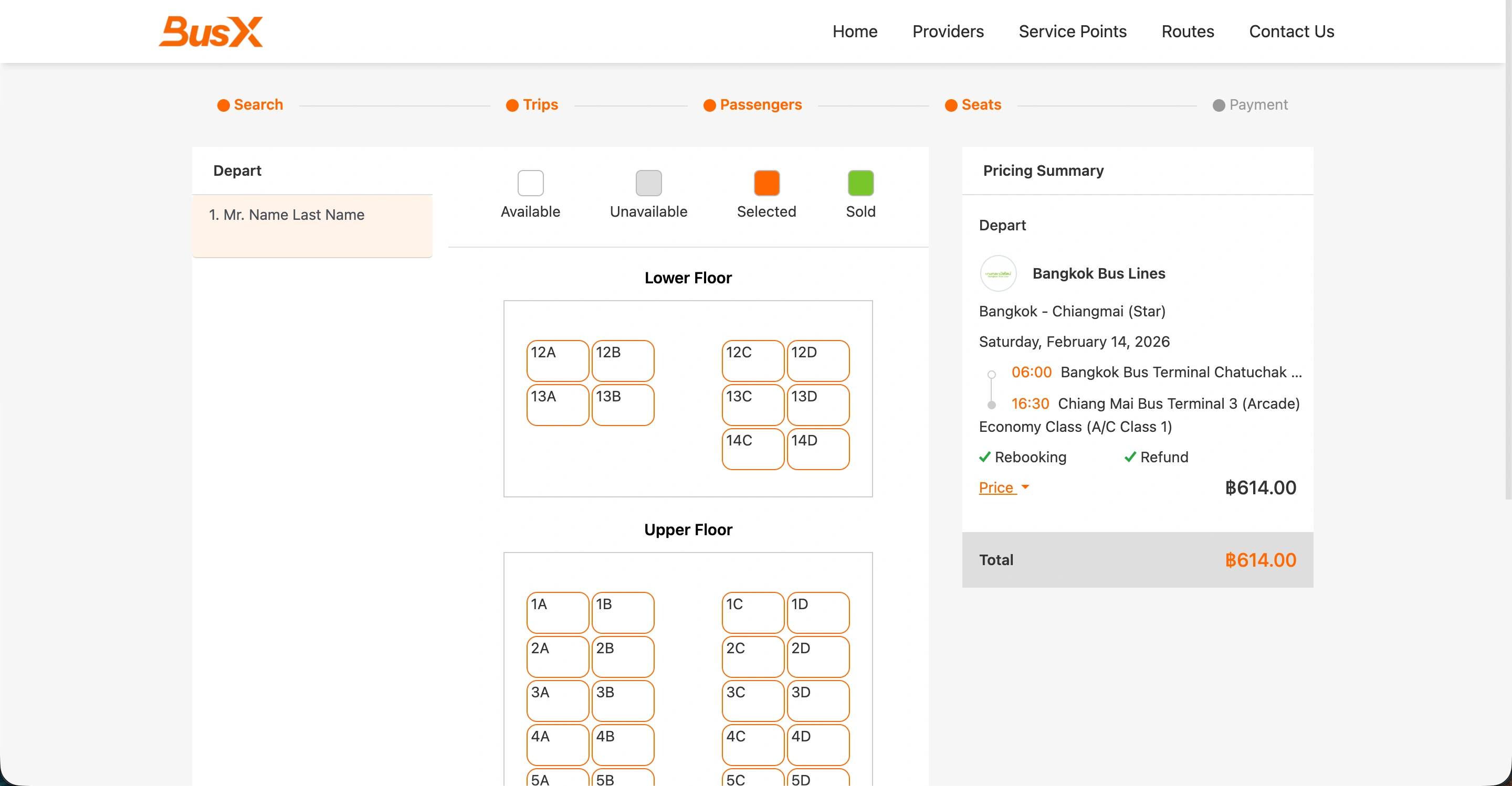
Step 4: Select your preferred available seat
Choose your desired seat from the displayed seating chart
Note: Some services may not have a seating chart available for selection, as per the provider's policy
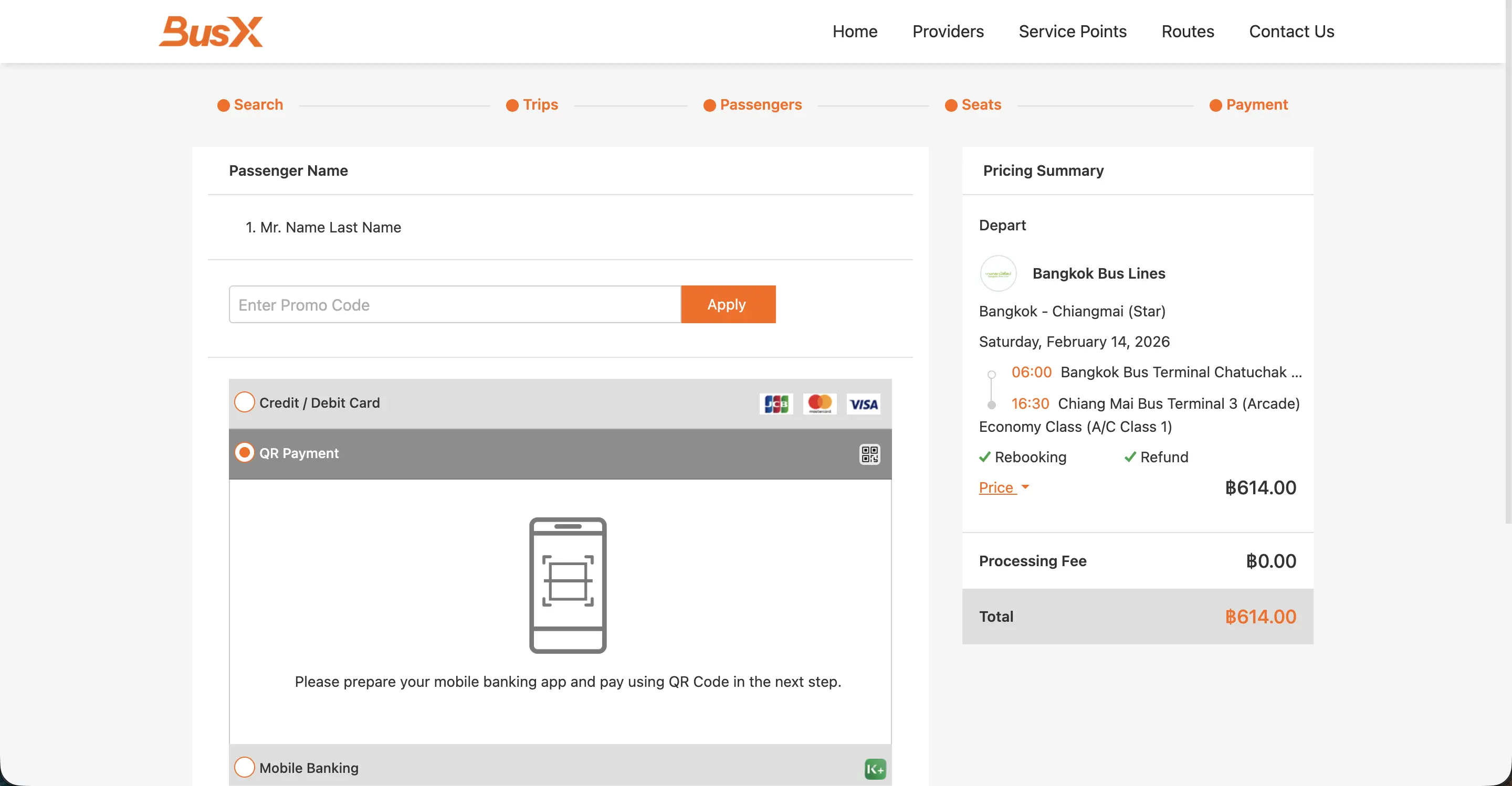
Step 5: Make payment through your preferred method
Choose your desired payment method and follow the steps to complete the payment
Note: Please carefully review your booking details before making the payment
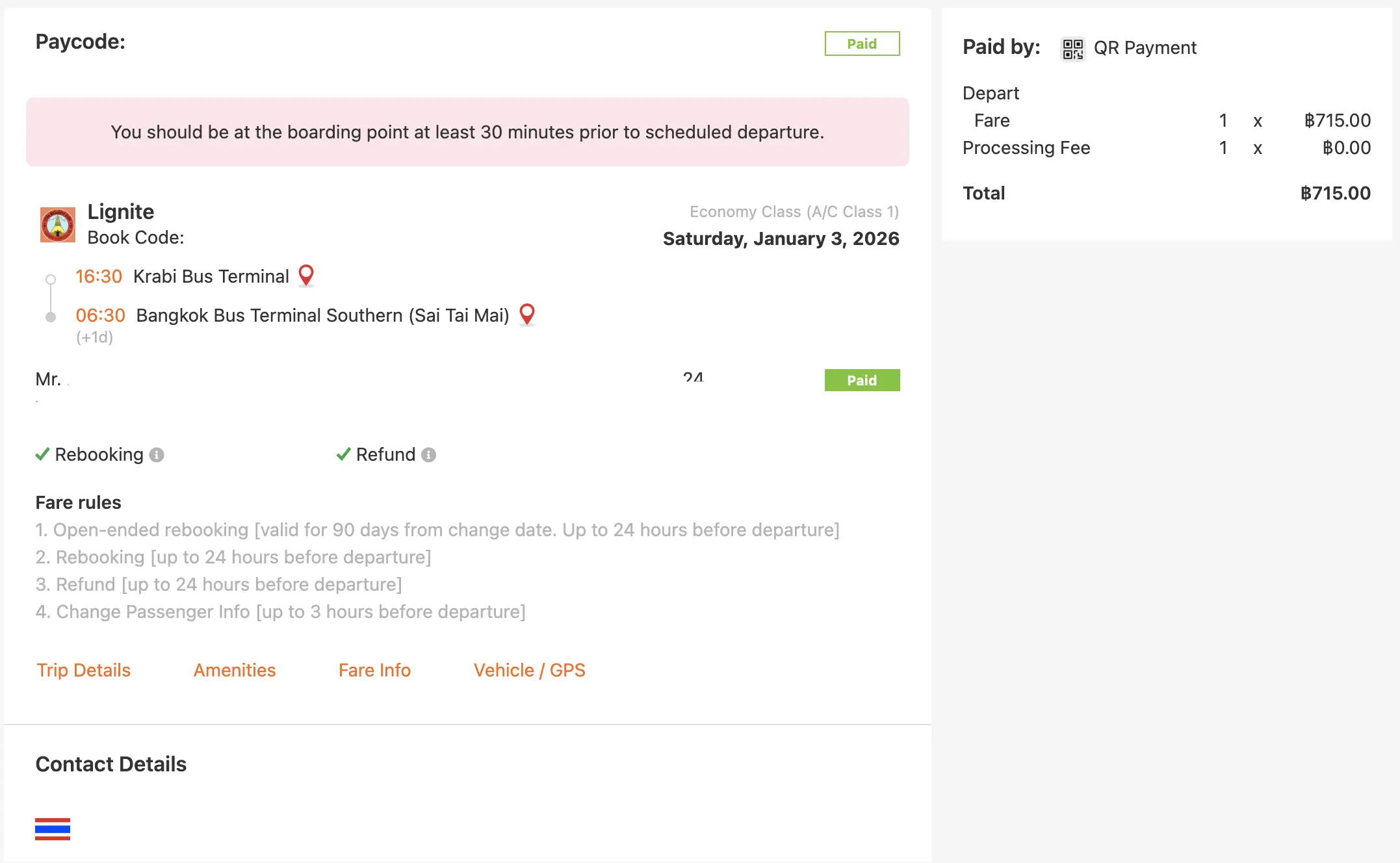
Step 6: After successful payment, you will receive a booking confirmation via email
Check your email for your booking details and tickets. Please keep your payment proof for verification in case of any issues
Note: If you do not receive an email within a few minutes after payment, you can check your booking in the Manage Booking menu or contact our customer service for assistance